Free
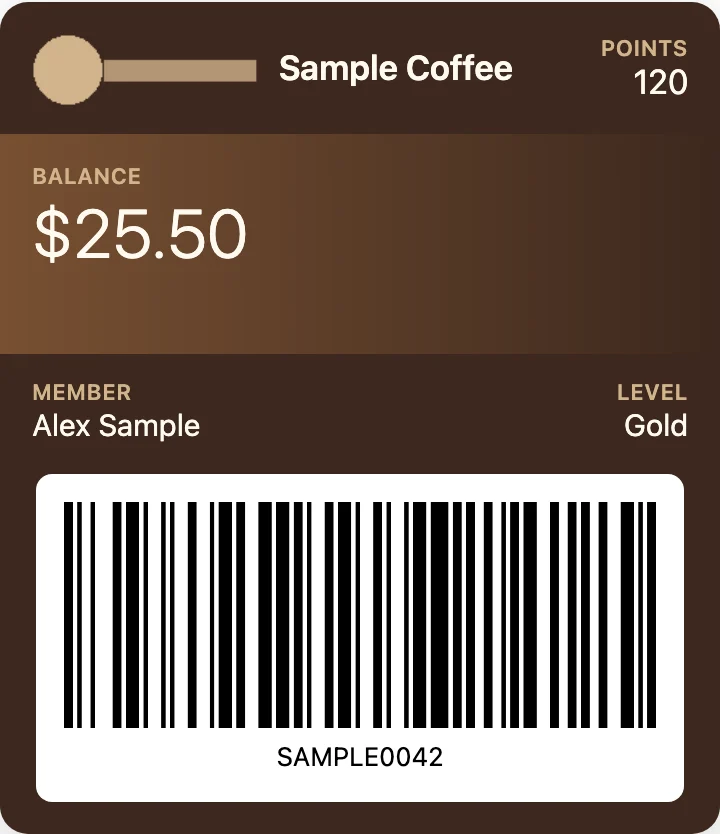
Open any pass and see its barcode.
US$0 forever
You're on Free
No account, nothing to install
A .pkpass file is made for Apple Wallet. Here is what Google and Samsung say about adding passes, and how to open your file on Android to see the pass and its barcode. Nothing is uploaded.
or drag it here
Free, no sign-up. The file is read on your device and never uploaded.
To keep a copy of the barcode: open the pass here, then tap Save as PNG. Viewing and Save as PNG are free; PDF export is paid, from US$4.90.
Print-ready PDF export, from US$4.90 for 30 days. See pricing.
Several passes were found. Pick one to view:
Print-ready PDF
Preview of the PDF page
A small, watermarked picture of your layout. The PDF itself is print resolution and has no mark.
What the PDF adds over the free viewer
PKPASS to PDF is unlocked in this browser.
Using it on another device?
Want more? PKPASS to PDF adds the paid features.
Free
Open any pass and see its barcode.
US$0 forever
You're on Free
No account, nothing to install
Recommended
Trip Pass
For one trip or event: 30 days of PDF export.
US$4.90 one-time
for 30 days
One-time payment · valid 30 days · no renewal · 14-day refund
Pro
For people who print passes all year.
US$6.90 /month
billed every month
Cancel any time · 14-day refund
US$39 /year
≈ US$3.25/month, billed yearly
Cancel any time · 14-day refund
The free version stays free. See pricing.
Not affiliated with Apple, Google, Samsung or Microsoft. Product names are trademarks of their owners and are used only to describe compatibility.